
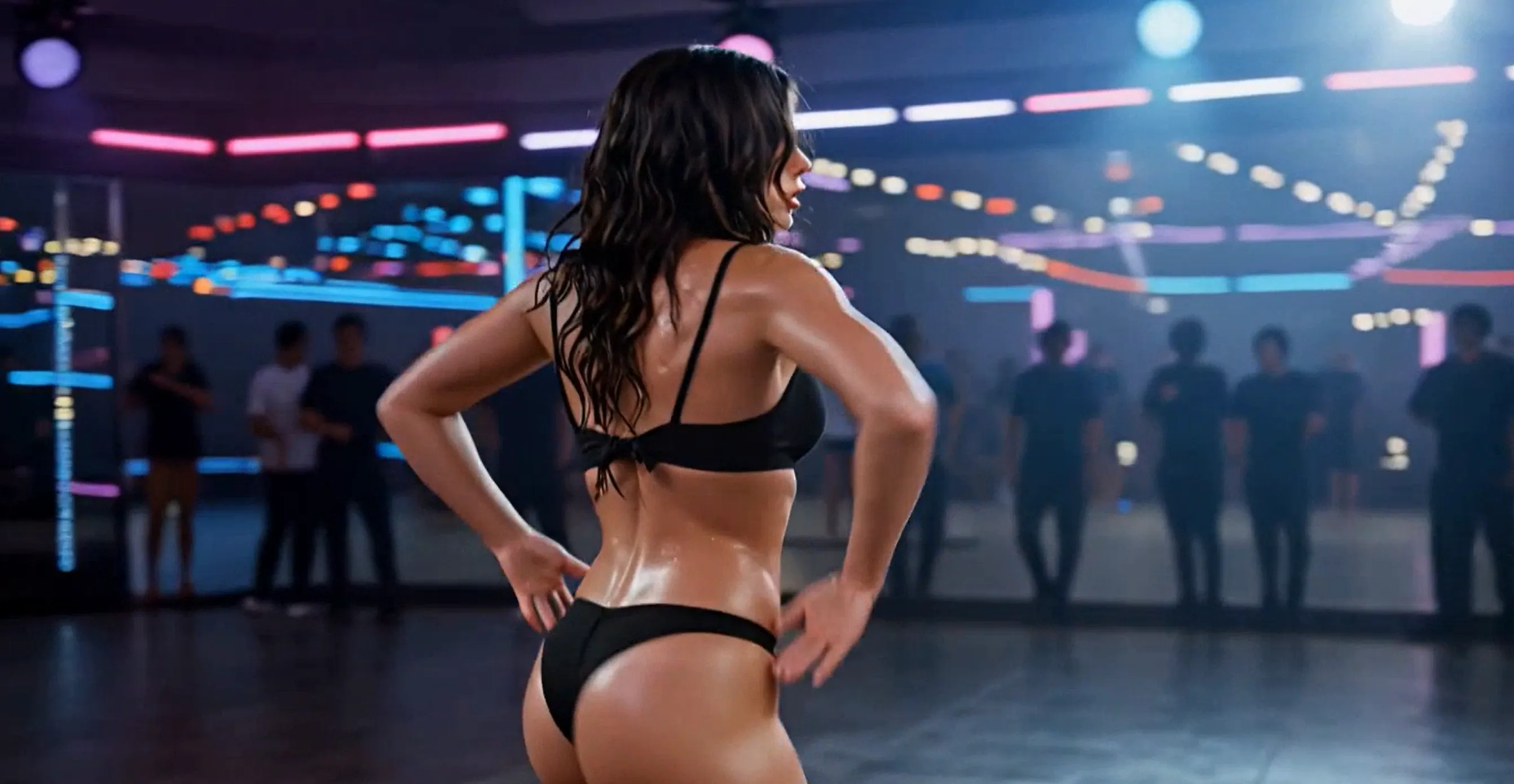
How to Generate Ultra-Sensual Dance Videos from a Single Photo
In 2026, animating a single photo into a sexy dancing video is easier than ever — but most platforms still block or heavily censor erotic, sensual, or NSFW content. Tools like Viggle, Kling, Luma, or Runway often refuse prompts with micro bikini, twerking, or anything too revealing.
The good news? GlowGirl AI (glowgirl.life) was built from the ground up as a no-limits, uncensored AI platform. It specializes in uncensored image and video generation, giving you full creative freedom for adult-themed, sensual dance, or erotic motion content (while still respecting local laws, of course).
This guide walks you through exactly how to use GlowGirl AI to turn one photo into high-quality dancing videos — fast, realistic, and unrestricted.
Step 1: Quick Setup (5 Minutes)
- Go to the official site: https://glowgirl.life/ (use a stable connection for fastest loading).
- Sign up / log in: Supports Google, — includes a free trial quota.
- Top up credits (recommended): Sensual or high-motion videos use more credits. Start with a small plan (~$5–10 for plenty of generations).
- Prepare your assets:
- One clear full-body photo (front-facing, simple background — best results).
- Optional: A short dance reference video clip (TikTok/Reels style, 10s) if the platform supports motion reference.
Step 2: Core Generation Workflow (Image-to-Video Mode)
GlowGirl AI offers Text-to-Video and Image-to-Video. We focus on the latter for photo animation.
- Navigate to the Video Generator or AI Video section.
- Select Image to Video mode.
- Upload your photo (drag & drop or browse — JPG/PNG, up to platform limits).
- Pro tip: Full-body shots give far more stable dance animations than portraits (AI auto-fills legs but can glitch).
- Write your prompt — this controls 80% of the output quality and spice level.
Recommended Prompt Templates (copy-paste and customize)
Basic Sexy Dance (Universal)
Positive prompt: 1girl, solo, stunning beautiful woman, seductive expression, micro bikini, thong, oiled shiny skin, erotic dance, sensual hip sway, twerking, intense body movement, nightclub atmosphere, neon lights, dynamic camera, high detail, ultra realistic, masterpiece, best quality Negative prompt: blurry, lowres, deformed, bad anatomy, extra limbs, watermark, text, logo, censored, mosaic, underwear lines Try Now
Advanced / More Intense
Positive prompt: hyper detailed, photorealistic, 25-year-old Asian beauty, long wavy hair, heavy makeup, glossy lips, tiny string bikini barely covering, high heels, pole dancing transition to twerk, ass focus, hip thrust, bouncing breasts, sweat on skin, dark luxurious club, volumetric lighting, cinematic angle, 8k Negative prompt: cartoon, 3d render, painting, child, old, fat, skinny, bad hands, fused fingers Try Now
Extreme / Near-Unlimited
Positive prompt: nude aesthetic, artistic nude, topless, bottomless, sensual nude dance, body oil, erotic posing, slow-motion seductive moves, close-up body details, artistic lighting, no censorship, ultra detailed skin texture, masterpiece Negative prompt: censored, mosaic, bar, underwear, clothing, watermark (add these aggressively) Try Now
- Hit Generate — wait 30s to 3min for results.
More sexy templates:
Oiled Infinity Twerk View
Oiled Twerk Queen View
Luxury Villa Elegance View
Vibrant Beach Energy View
Step 3: Optimization & Post-Production
Few first tries are perfect. Quick fixes:
- Face warp / identity loss → Use built-in Face Fix, Inpaint, or any face restoration tool.
- Jerky motion → Increase motion strength or swap reference clip.
- Not spicy enough → Amp up words like nude, topless, micro bikini in prompt; strengthen negatives against censored.
- Noisy / dark output → Add cinematic lighting, high contrast, detailed skin.
After generation:
- Import to CapCut, DaVinci Resolve, or Premiere → add trending music (slow bass-heavy EDM / R&B).
- Add transitions, color grade, text overlays (“Who gets this body?”).
- Export watermark-free and share on X, Reddit, TikTok, etc.
More AI tools, please visit dang.ai

Quick Q&A
Q: Is GlowGirl AI really fully uncensored?
A: Yes — it brands itself as No Limits AI with explicit support for uncensored and NSFW content. Extreme cases may still have soft limits, but it's far more permissive than mainstream tools.
Q: How explicit can the dancing videos get from one photo?
A: Up to artistic nude dance or erotic twerk levels, depending on your prompt boldness and photo quality.
Q: Better than running ComfyUI locally?
A: For speed and zero setup — absolutely. If you hate workflows/models, GlowGirl AI wins.
Final Call to Action
Stop fighting censorship. With GlowGirl AI, you can finally bring your wildest ideas to life — starting with just one photo.
Head to https://glowgirl.life/ right now, upload your favorite shot, and test one of the prompt templates above.

Nova Vibe
Coding curves and prompting passion. I’m an AIGC creator dedicated to the art of the "Digital Seductress." Discover the perfect synergy between artificial intelligence and raw human attraction right here at GlowGirl.